
Change the time zone on Cloud Device
Settings → General → Date & Time → Time Zone, then search a city. This does not change the exit IP. Region is a separate setting.
Time zone and region are different. If the exit is still the US line and you only want the clock to match a city, change the time zone.
Steps
- On the Cloud Device, open Settings.
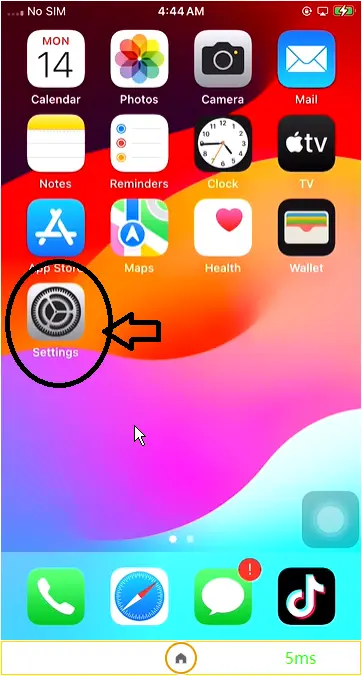
- Open General.
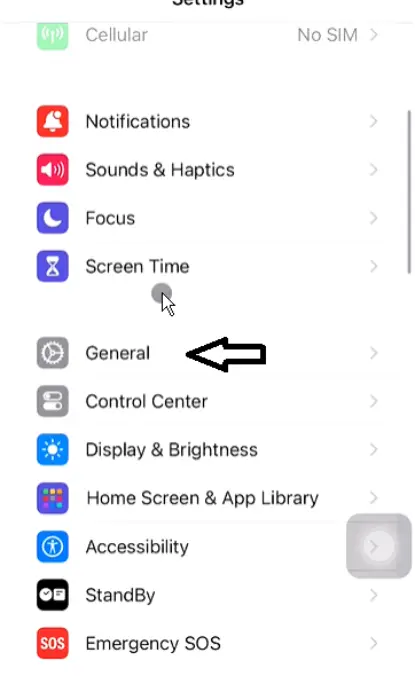
- Open Date & Time.
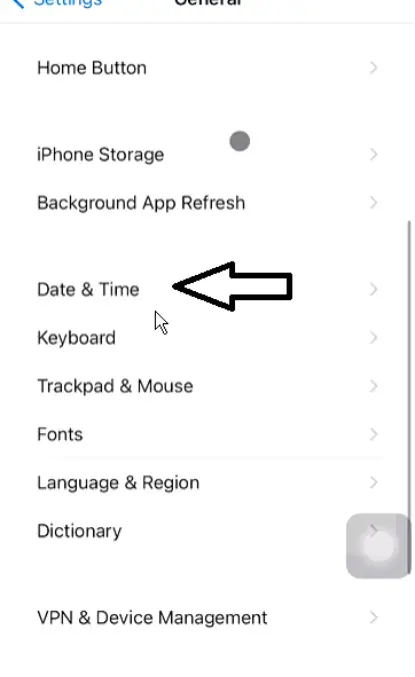
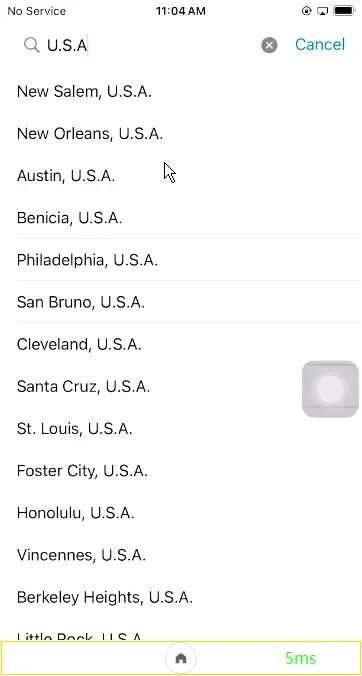
- Open Time Zone.
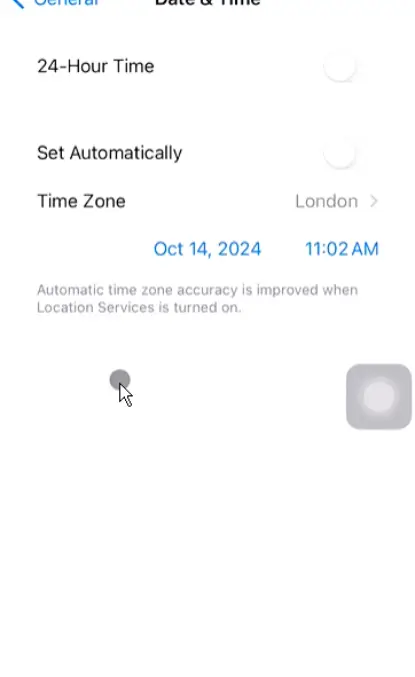
- Search the city or region and tap it.
Notes
- If Automatic is on, turn it off before you pick a zone by hand.
- Changing the time zone does not change the exit IP. Network: Device network. System region: Change region and language.
